-
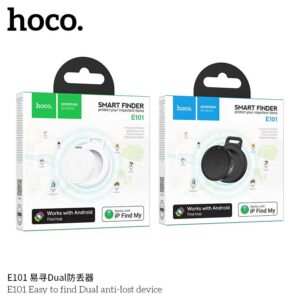
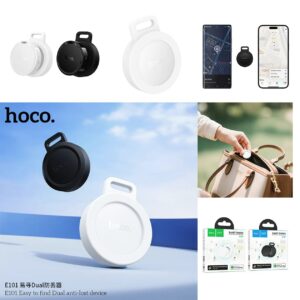
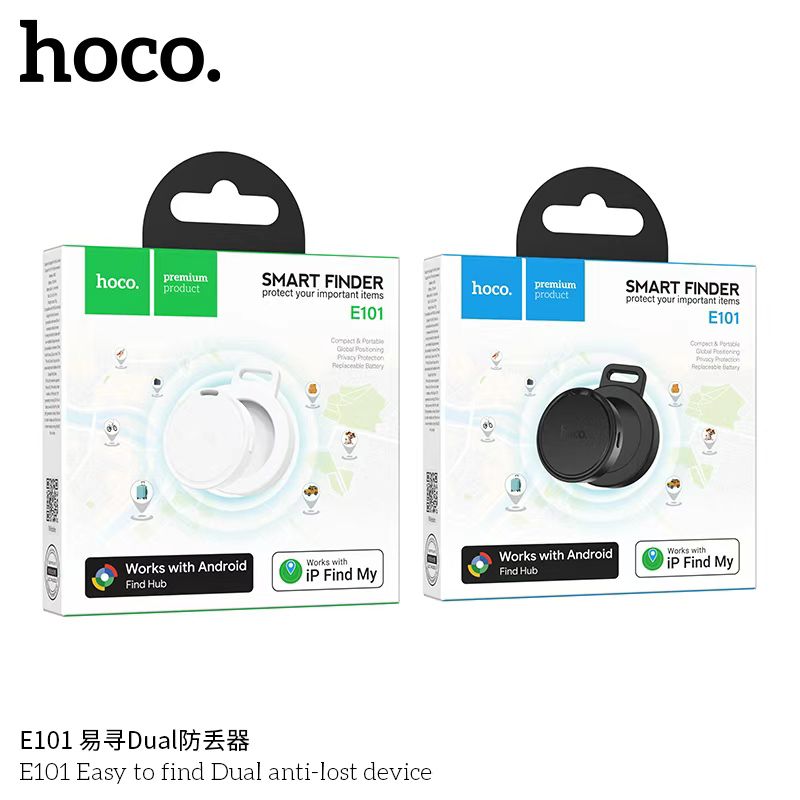
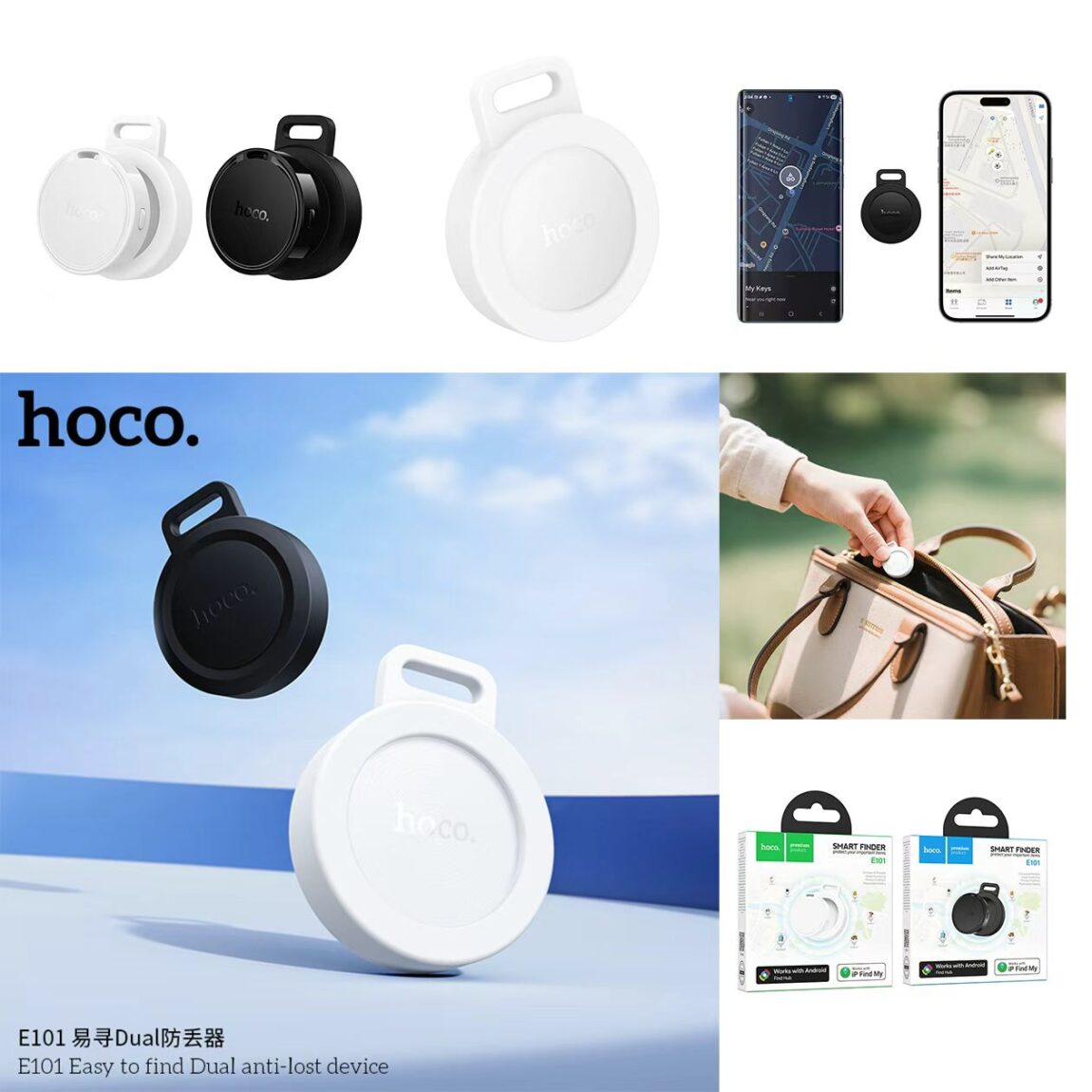
Supports dual systems of Google Find My Device network and Apple Find My network
-
Material: ABS 3 Battery: 210mAh 3V CR2032
-
Battery life: 6 to 8 months
-
Dimensions: 32×32×7mm
-
It weighs approximately 7.5g
-
Compatible models: Google Find My Device is compatible with over 90% of overseas Android phones with Android 9 or above system versions that come with Google Suite (not available in Chinese mainland, North Korea, Cuba and Iran). Download and install the “Find My Device” APP through the Google Play Store. Apple Find My network supports the installation of iOS 14.5 and above iPhone SE, iPhone 6s or later models. Or install iPadOS 14.5 and above on iPod touch (7th generation), iPad Pro, iPad (5th generation or later models), iPad Air 2 or later models, iPad mini 4 or later models
- Support Google Find My Device network and Apple Find My network.
-
Connect to the Android system, download and install the “Find My Device” APP through the Google Play Store. After the anti-loss device is turned on, the phone will automatically pop up a window to connect.
-
Connect to the iOS system. After the anti-loss device is turned on, search and add it through the system’s built-in “Find” APP
-
When connecting to Google or iOS networks, unused systems will be disabled. To switch systems, you need to delete connection records and reset the anti-loss device

Related products
Sale!
8 in stock
50 in stock
Sale!
10 in stock
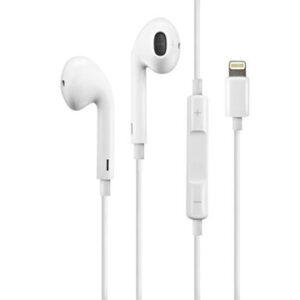
Genuine Lightning EarPods Headphones For iPhone
Original price was: 13 $.10 $Current price is: 10 $.10 in stock
100 in stock
In stock
 Smart Finder E101 HOCO Andriod...
9 $
In stock
You may add any content here from XStore Control Panel->Sales booster->Request a quote->Ask a question notification
At sem a enim eu vulputate nullam convallis Iaculis vitae odio faucibus adipiscing urna.